Little Times

Free on iPhone · Public beta

A baby book that fills itself

Little Times finds your child’s photos on your iPhone, arranges them by age, and brings a moment back each day. Nothing to scrapbook, nothing to catch up on.

Your photos never leave your phone.

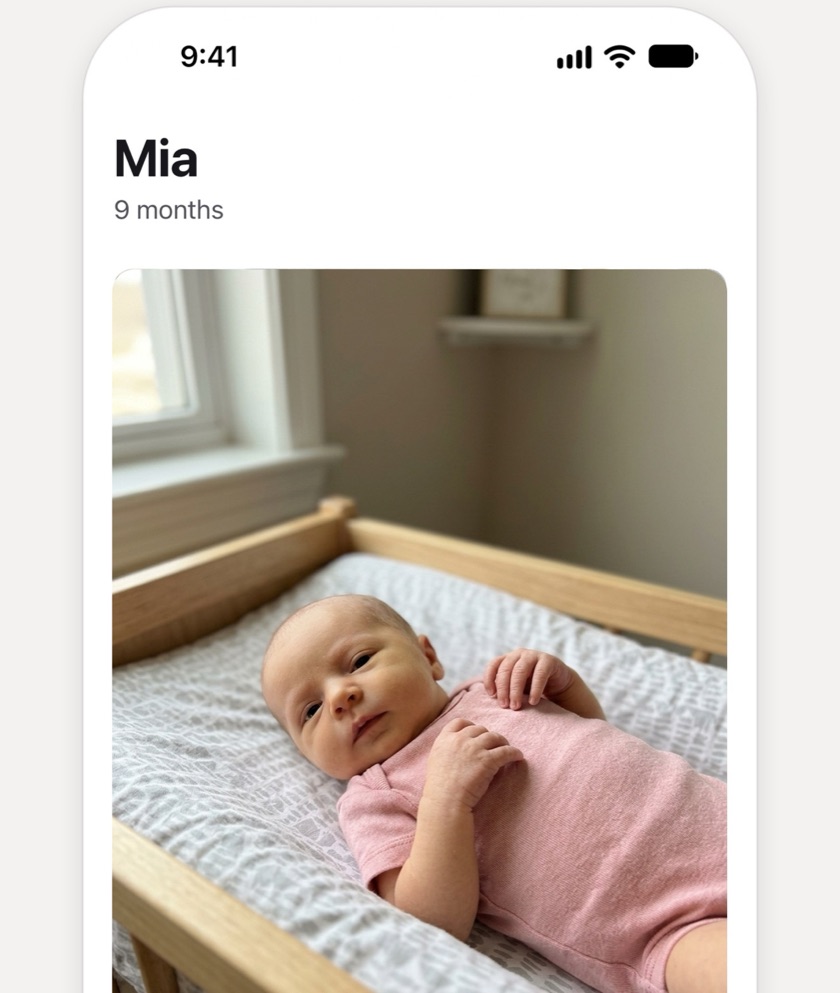
Little Times on an iPhone: Today, with a photo of Mia as a newborn, nine months ago today.
A picture made in the app: six photos of Mia, titled 9 months.

Found for you

Every photo, arranged by age

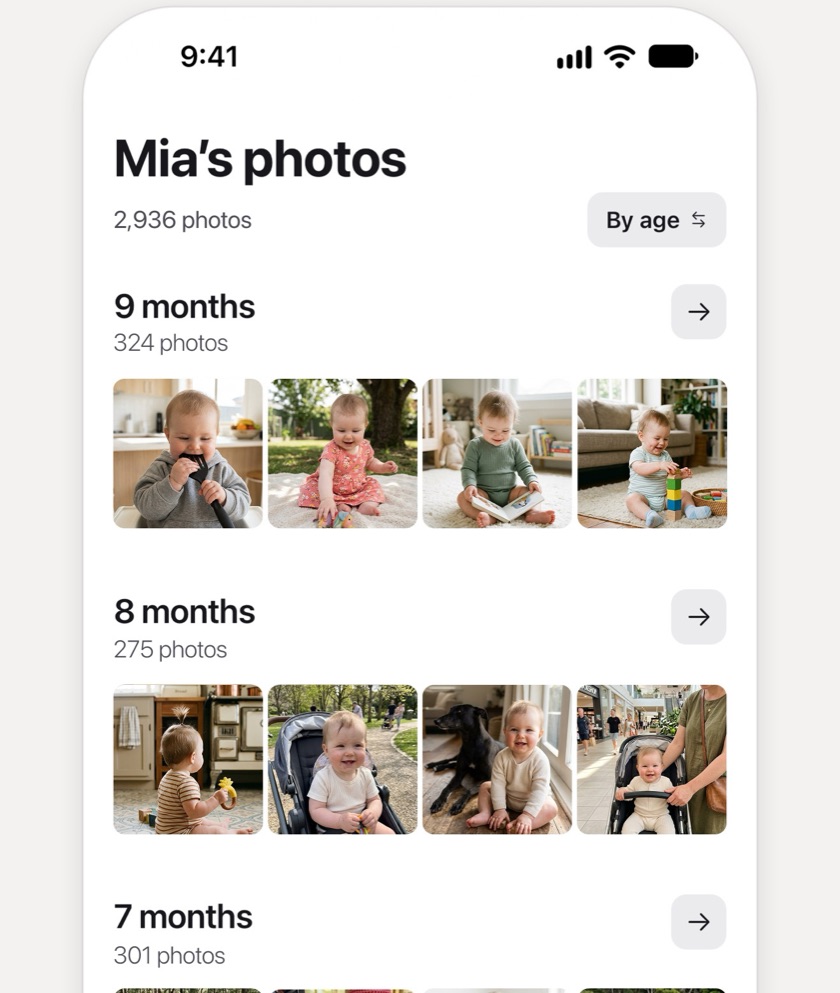
Newborn, 1 month, 2 months and on. Little Times finds your child’s photos and videos among everything else on your phone, from the pregnancy to this week, and puts them in order. You never make an album.

More than one child? Each gets their own story.

The Photos tab: Mia’s photos grouped by month, 9 months, 8 months, 7 months.

Every day

A moment comes back

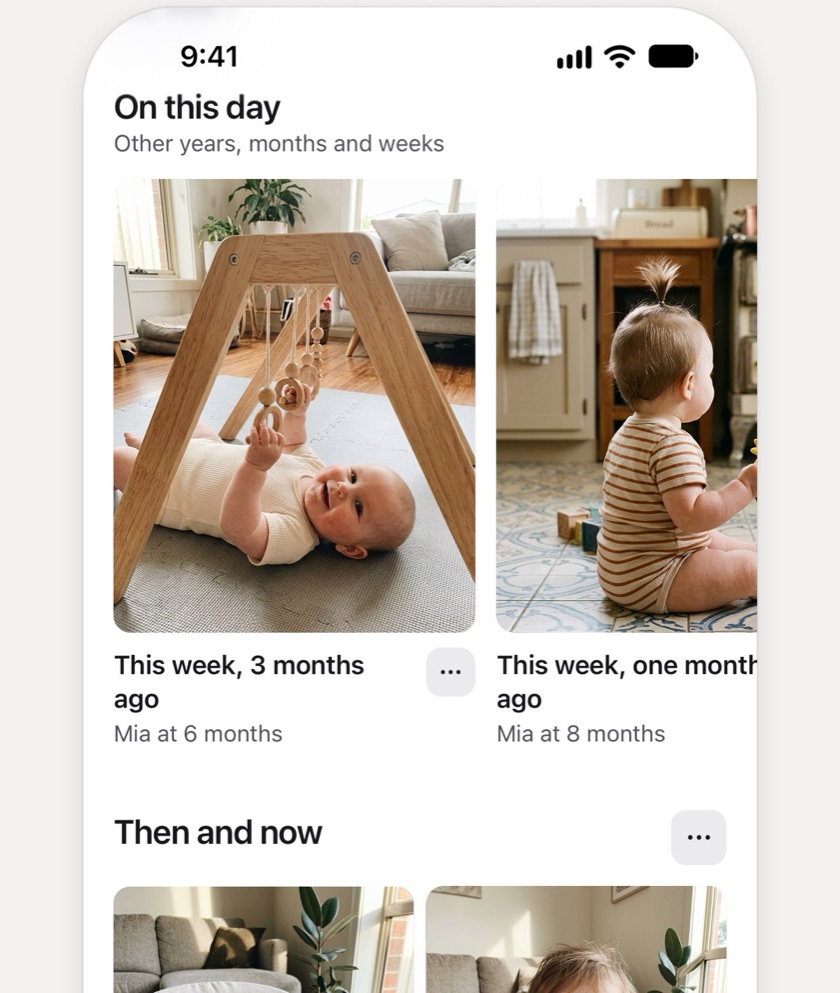
One month ago today. This week last year. Then and now, side by side. Each day Today brings a little time back, and an evening notification with a photo, as often as you like.

And on your Home Screen, with the widget.

Today: on this day, and then and now, Mia in week one beside Mia at nine months.

In your words

A few words, or a milestone

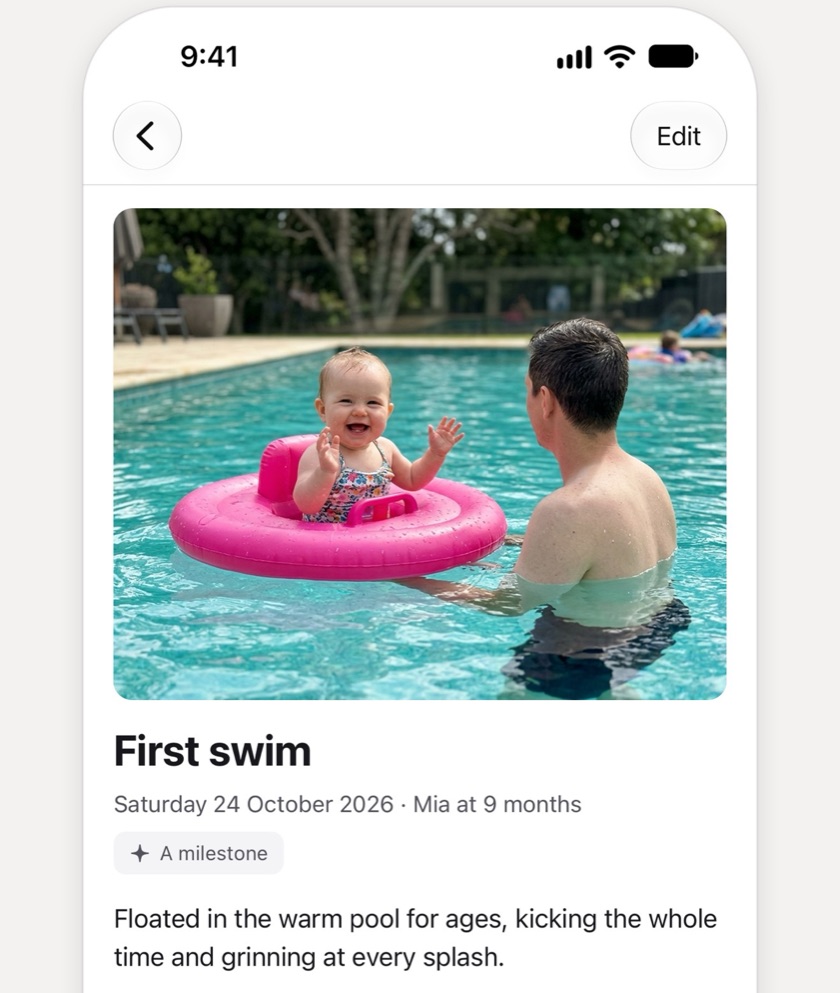
First swim, first steps, first foods. A line or two is enough, and it comes back on the day a year later. It works just as well if you never write a thing.

A moment titled First swim, Mia at nine months, with a photo in the pool.

Made for you

Pictures to send the family

Little Times makes them from your own photos, on your phone: then and now, one face from every month, and a picture for every month-birthday. Change anything, then share it in a tap.

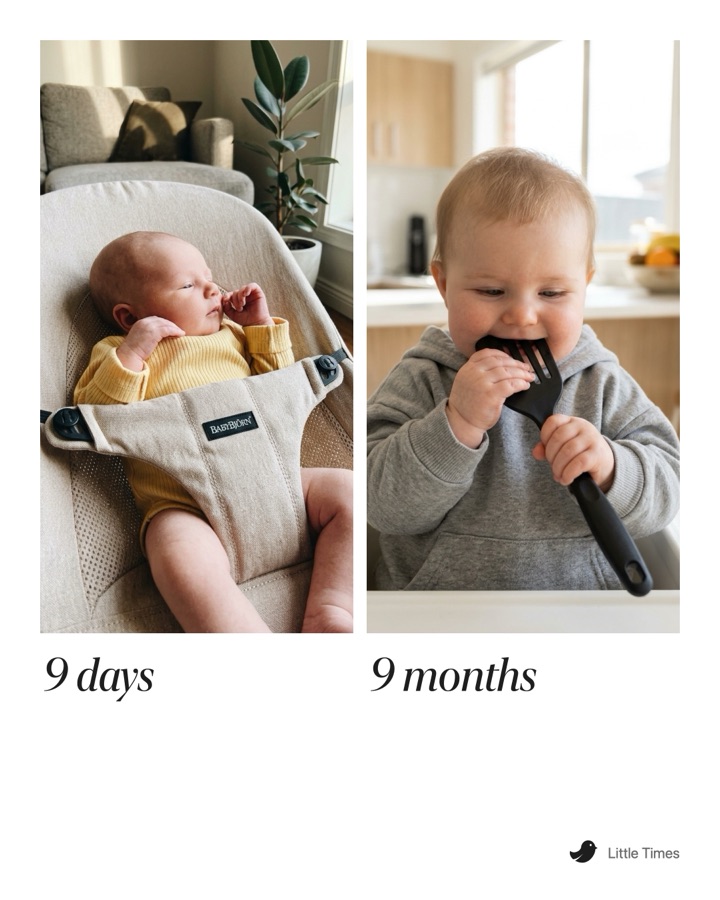
Then and now: Mia at nine days beside Mia at nine months.
Then and now. The first weeks beside today.
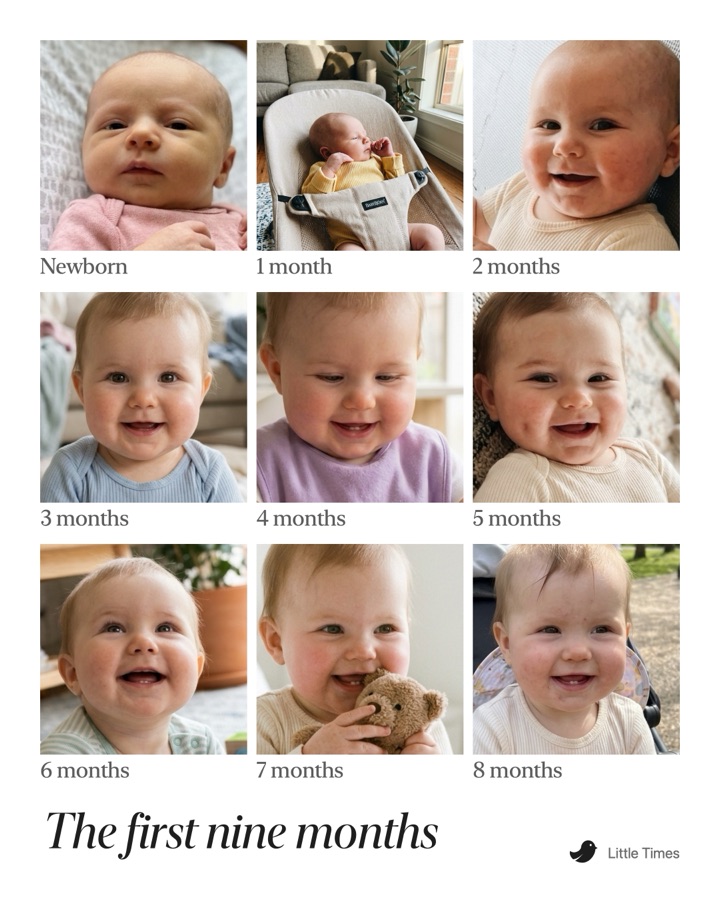
One face a month: nine photos of Mia’s face, newborn to eight months.
One face a month. Watch them change.
A picture of the month: six photos of Mia, titled 9 months.
The month in a picture. Ready on every month-birthday.

Your photos never leave your phone

As a dad, it was the first decision I made. Little Times uses what’s built into your iPhone to find your child’s photos, right there on the phone.

How privacy works

  • Never uploadedNo account, no server holding your photos, no ads.
  • Looked through on this iPhone onlyApple’s own on-device analysis finds the photos with your child in them.
  • Never changed or deletedYour library stays exactly as it is. A picture only goes where you send it.
Daniel smiling, with his baby daughter asleep in a carrier on his chest.

Why I built it

“One day I looked back at a photo of my daughter from three months earlier, and realised I could hardly remember her at that age.”

I didn’t want to lose those little times: who she is while she’s this small, and how it felt to become her dad. So I built the app I wished I had: a baby book that fills itself, and brings a little time back every day.

Daniel, dad and founder

Try it now, before the App Store

Little Times is in public beta through TestFlight, Apple’s app for trying apps early. Free, for iPhone with iOS 26 or later.
  1. 1Open the link on your iPhoneTap Try the beta below.
  2. 2Get TestFlight, if askedApple’s free app, from the App Store.
  3. 3Tap Accept, then InstallLittle Times appears on your Home Screen.
Try the beta

Questions

Is it free?

Yes. Everything in it today is free, and stays free.

Where do my photos go?

Nowhere. Little Times reads your library on the phone and never uploads a photo. The only thing it sends is a crash report if something goes wrong, with no names, photos or words in it.

What about a new iPhone?

Switch on the backup, and your moments and milestones are kept in your own iCloud, where we can’t see them.

I have more than one child

Add them all, twins too. Each child gets their own story, and Today brings moments from all of them.

Is there an Android version?

Not yet. Little Times is for iPhone with iOS 26 or later.